
This manual introduces the safety and maintenance methods for Philips 220BW8/220BW monitors, including installation location, FAQs, troubleshooting, etc.
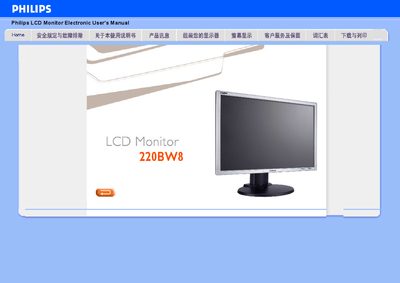
This manual covers the proper installation environment, including temperature (0‑35 °C) and humidity (20‑80 % RH) limits, handling precautions, and safety warnings for the Philips 220BW8 LCD monitor. It also explains how to connect video sources via VGA or DVI‑D, use the built‑in speakers, and enable features such as SmartImage Lite and HDCP.
Operating instructions describe the On‑Screen Display (OSD) navigation, flat‑panel adjustment with the FP Adjust utility, and troubleshooting common messages like “Cannot display this video mode.” The document includes a quick start guide, detailed specifications, and a parts list for service technicians.
| Resolution | 1680 × 1050 |
|---|---|
| Response time | 5 ms |
| Video inputs | VGA (analog) and DVI‑D (digital) |
| HDCP support | Yes |
| Built‑in speaker | Yes |
The monitor should be used in an environment of 0‑35 °C (32‑95 °F) and 20‑80 % relative humidity.
Run the FP_setup4.3.exe utility, then use the FP Adjust interface to fine‑tune the display.