
This manual introduces the usage of Philips TV, including installation, connection, using remote control, watching TV, watching channels received by digital receiver, watching DVD, watching content on connected devices, creating favorite channel list, changing backlight mode etc.
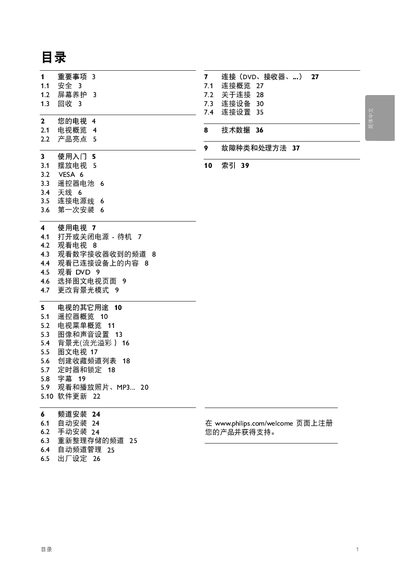
This manual begins with important safety and environmental information, then introduces the TV’s controls, connectors, and key features such as Ambilight and Full‑HD display. It guides users through first‑time installation, VESA mounting, remote‑control battery replacement, and connecting external devices like HDMI sources and USB drives.
Later sections cover menu navigation, picture and sound adjustments, channel installation, firmware updates, and a detailed troubleshooting guide for common issues such as power problems, remote‑control response, and audio/video errors. This manual is written in Chinese.
| Refresh rate | 100 Hz |
|---|---|
| HDMI ports | 3 |
| USB interface | USB port for multimedia playback |
| Ambilight | Ambient lighting effect with multiple modes |
Open the battery cover on the back of the remote, insert two AA‑R6 (5 V) batteries with correct polarity, and close the cover.
Use a VESA‑standard bracket that matches the TV’s weight, align the VESA mounting holes on the back of the TV with the bracket, and follow the bracket’s installation instructions.
Press the Ambilight button on the remote, then use the MODE button to cycle through the available Ambilight settings.