
This manual describes the overview of DT-930 application program development using CASIO DT-930 C Language SDK GUI Version (program development, download, etc.), including the development environment, development steps, and debugging methods
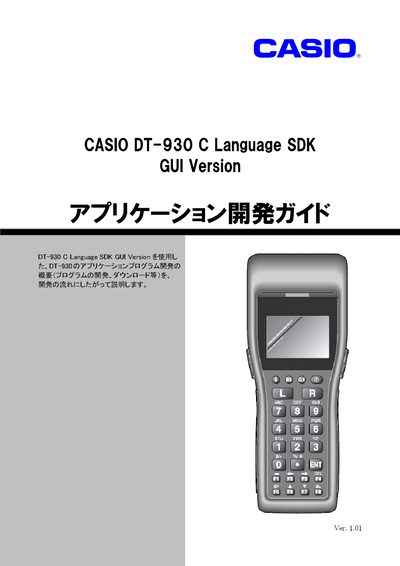
This manual introduces the DT-930 C Language SDK GUI version and provides step‑by‑step instructions for creating applications, registering extensions, and using the emulator and I/O simulator. It covers the required development environment, hardware setup, and software tools.
The guide also details the installation of the Microsoft Loopback Adapter for virtual networking, explains how to use the emulator, and lists optional peripheral devices such as IOBOX and pocket printers. Contact information for Casio support is provided at the end. This manual is written in Japanese.
| Required operating system | Windows 2000, Windows XP, Windows Server 2003, Windows Vista |
|---|---|
| Required hardware | IBM/PC AT compatible computer |
| Required software | Microsoft eMbedded Visual C++ 4.0 |
The SDK works on Windows 2000, Windows XP, Windows Server 2003, and Windows Vista.
Follow the steps in the "MicrosoftLoopback Adapter のインストール方法" section of the manual.
An IBM/PC AT compatible computer is required.