
This manual provides instructions for the basic functions and operations of the watch, including time display, world time, alarm, stopwatch, etc. The watch features both digital and analog display, allowing you to set and view the current digital time and date. Additionally, the manual provides detailed reference information.
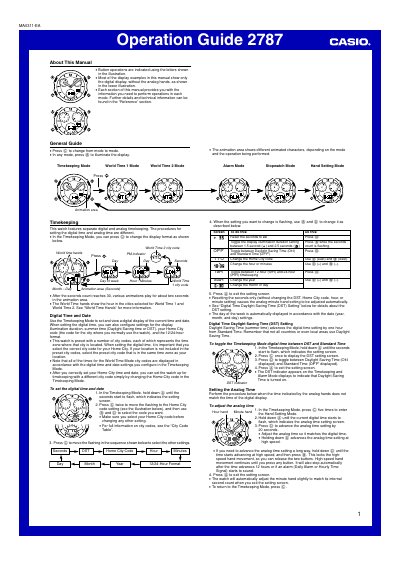
This manual provides step‑by‑step instructions for operating the Casio 2787 watch. It covers the basic Timekeeping mode, how to set digital and analog time, configure Daylight Saving Time, and select a Home City code. The guide also explains the World Time 1 and World Time 2 modes, alarm and hourly time‑signal settings, and the stopwatch functions.
Additional sections describe the reference information, display illumination settings, automatic return features, and detailed city‑code tables. Safety notes and battery‑life considerations are included to help users maintain accurate timekeeping and optimal performance.
| Display illumination duration | 1.5 seconds or 2.5 seconds |
|---|---|
| Number of illumination LEDs | Two high‑intensity LEDs |
| Year‑setting range | 2000 – 2039 |
Hold A in Timekeeping mode to enter the setting screen, press C once to display the DST screen, then press D to toggle between ON and OFF.
If no button is pressed for two or three minutes, the watch automatically exits the setting screen and returns to Timekeeping mode.
When you reset the seconds in Timekeeping mode, the watch automatically adjusts the minute hand to match the internal second count.