
This document introduces the features and characteristics of the CASIO digital camera K860PCM1DMX, including pre-use precautions, accessory list, LCD panel information, and trial shooting instructions.
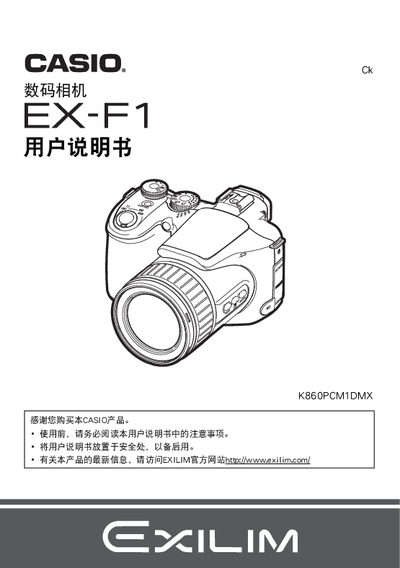
This manual introduces safety precautions, packaging contents, and the initial steps to power on and configure the EXILIM camera, including battery installation and basic settings. It also covers the various shooting modes, image quality adjustments, and playback functions.
Further sections explain file management, USB and HDMI connectivity, battery specifications, and detailed technical data such as dimensions, weight, and operating temperature. The guide ends with troubleshooting tips and regulatory notices. This manual is written in Japanese.
| Battery model | NP-100 |
|---|---|
| Rated voltage | 74 V |
| Rated capacity | 1950 mAh |
| Operating temperature | 0 °C to 40 °C |
| Dimensions (W × H × D) | 36.2 mm × 53.6 mm × 23.3 mm |
| Weight | 85 g |
| Input voltage | 100 V–240 V AC, 200 mA, 50/60 Hz |
| Output voltage (charging) | 8.4 V DC, 560 mA |
Charging the battery with the NP‑100 charger takes about 4 hours 30 minutes.
Select the CS (continuous shooting) mode using the mode dial to capture a series of images.