
This document provides information on the installation, setup, connection, and usage of the PX330CK1B Ck digital piano.
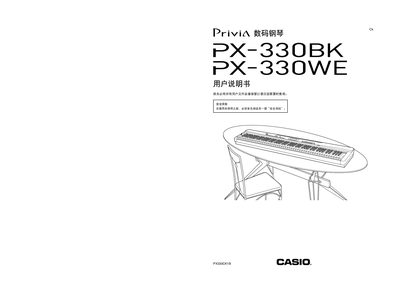
The manual provides instructions for the Casio PX-330BK and PX-330WE digital pianos, including safety precautions, stand assembly, power supply, connections for headphones and pedals, and basic operations such as tone selection, rhythm, and auto-accompaniment.
It also covers advanced features like song recording and playback, registration memory, SD card storage, MIDI implementation, and warranty information for China. This manual is written in Chinese.
| MIDI Channels | 1-16 |
|---|---|
| MIDI Note Range | 0-127 |
Turn off the power, then hold down the TONE and FUNCTION buttons while pressing the POWER button. The piano will initialize the internal system.
Plug headphones into the PHONES jack on the left side; this mutes the built-in speakers.
One year from the date of purchase.