
Casio EX-FC200S Digital Camera User Manual

This is the user manual for the Casio digital camera Ck. The manual introduces how to use the camera.
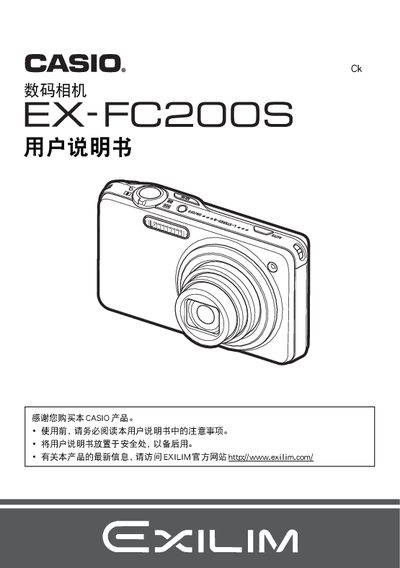

Casio EX-FC200S Digital Camera User Manual - cover page
Brand
Casio
Category
Digital cameras
Document type
User Manual
Language
Chinese
Pages
195
File format
PDF
File size
5.5 MB
Published
13 March, 2012
Updated
30 September, 2023
MD5 checksum
27A05EF7E9C3EFE0D9398BEBAC7432E5

About this manual

This manual guides you through unpacking the EX-FC200S, checking the included items, and preparing the camera for use. It covers battery installation, charging with the AC adapter, and initial configuration such as setting the date, time, and basic shooting modes.

Detailed sections explain how to use various shooting functions—including high‑speed burst, Best Shot, HDR, panorama, and face detection—manage memory cards, transfer images to a computer, and customize settings like ISO, white balance, and display brightness. Safety notices and warranty information are also included. This manual is written in Chinese.

What's inside

  • Opening the Package
  • Battery Installation and Charging
  • Initial Camera Settings
  • Preparing and Formatting Memory Card
  • Power On/Off and Basic Operation
  • Snapshot and Auto Shooting
  • High‑Speed Burst and Best Shot
  • HDR and Panorama Modes
  • Face Detection and Background Blur
  • Image Playback and Transfer
Download PDF (5.5 MB)

More Casio Manuals


View all Casio manuals →