
This document describes the functions and features of the PX-135CK-1A Ck PX-135BK PX-135WE digital piano.
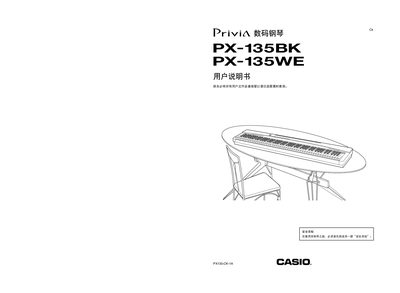
This manual provides safety information, power‑supply requirements, and detailed instructions for connecting accessories such as the AC adapter, headphones, USB, and damper pedal. It also explains the piano’s functions, including voice selection, metronome, song playback, and MIDI operation.
Additional sections cover how to adjust volume, use the various piano sounds, configure settings, and perform basic maintenance and warranty procedures. This manual is written in Japanese.
| Power Supply Voltage | 12 V DC |
|---|---|
| Required AC Adapter | Casio AD‑A12150LW |
| USB Device Mode | Supported |
| Headphone Jack | PHONES connector |
Only the Casio AD‑A12150LW AC adapter may be used.
Insert the headphones into the PHONES jack on the piano.
Connect the SP‑32 (or SP‑3) damper pedal to the DAMPER PEDAL jack.