
This is a user manual for a watch, which introduces the basic functions and operation methods of the watch.
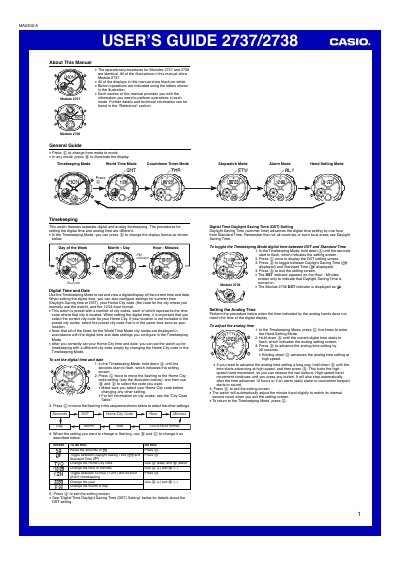
This guide provides step‑by‑step instructions for operating the Casio 2737 and 2738 watches. It covers timekeeping, world time, countdown timer, stopwatch, alarm functions, hand‑setting, and backlight usage, with button‑press sequences for each mode.
Reference tables list city codes, GMT differentials, and technical notes such as the year‑setting range (2000‑2039) and backlight specifications. The manual also includes safety precautions and troubleshooting tips for reliable daily use.
| Display type | Separate digital and analog timekeeping |
|---|---|
| World time cities | 27 cities (29 time zones) |
| Countdown timer range | 1 to 60 minutes |
| Stopwatch display range | 59 minutes, 59.99 seconds |
| Number of daily alarms | Five independent alarms |
| Year setting range | 2000 to 2039 |
| Backlight type | Electro‑luminescent (EL) panel, ~2 seconds illumination |
In Timekeeping Mode, hold down button A until the seconds flash, then use C, B and D to select and change the Home City code, date, hour, minutes, and 12/24‑hour format.
Press C once to open the DST setting screen, then press D to switch between Daylight Saving Time (ON) and Standard Time (OFF).
Enter Countdown Timer Mode (press C), hold down A until the start time flashes, press C to move between settings, and use B/D to adjust the start time, auto‑repeat and progress beeper.
Press button B in any mode; the display will illuminate for about two seconds.