
Key facts
Start here
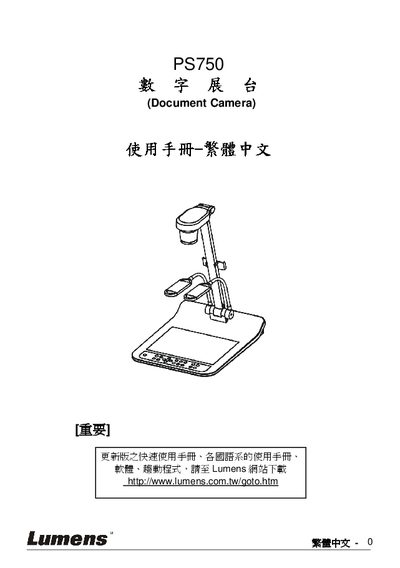
Lumens PS750 Document Camera User Manual
This manual covers safety guidelines, system connections, and basic operation of the Lumens PS750 document camera. It includes step‑by‑step instructions for connecting to projectors, DVD players, HDMI sources, and using the built‑in controls.
Additional sections describe DIP switch settings, common functions such as auto‑tune, zoom, focus, and a troubleshooting FAQ to help users resolve typical issues. This manual is written in Chinese.
All Lumens PS750 documents by type
Day-to-day operation, settings and troubleshooting. Start here if the product is already set up.
Questions answered in these manuals
Why is there no image output on the PS750?
Check that the power is connected, verify all cables according to the installation chapter, and confirm the signal source settings in the common functions section.
From: Lumens PS750 Digital Videography Exhibition Table User Manual
How can I fix a focus problem with the PS750?
Adjust the distance between the document and the lens or use the Zoom‑minus button on the remote/control panel to bring the document farther away, then press the AF button.
From: Lumens PS750 Digital Videography Exhibition Table User Manual
What safety precautions should be observed when using the PS750?
Do not tilt the product, avoid using it near water, use only recommended accessories, and follow all listed safety warnings.
How do I connect the PS750 to a projector?
Use the appropriate video cable (e.g., VGA or C‑Video) and follow the connection steps described in chapter 4.2.