
This document introduces a deep learning based network traffic anomaly detection method. The method constructs a network traffic feature library and uses a deep learning model to train it, realizing the detection of network traffic anomalies.
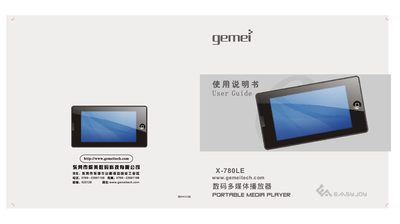
This manual covers all basic and advanced features of the Gemei X-780LE multimedia player, including music playback, video, FM radio, e‑book, picture viewing, flash games and system settings. It also provides safety guidelines, battery charging instructions, and how to connect the device to a computer for file transfer and firmware upgrades.
Detailed sections describe the key layout, display functions, supported media formats, TF‑card handling, USB charging, and a full list of product specifications. The troubleshooting chapter helps resolve common issues such as unexpected shutdowns, USB connection problems, and file compatibility. This manual is written in Chinese.
| Supported video formats | RMVB, RM, AVI, WMV, FLV, MPEG, DAT, MP4, ASF |
|---|---|
| Supported audio formats | MP3, WMA, APE, FLAC |
| Display | 3.0‑inch WQVGA TFT, 400×240 pixels |
| USB interface | USB 2.0 High‑speed |
Connect the device to a computer with the USB cable; the player will charge the internal lithium battery while data transfer is possible.
The player may shut off if the battery level is low or if the auto‑shutdown timer is set and no keys are pressed for the configured period.
Yes, the player supports simultaneous charging and operation when connected via USB.
Ensure the USB cable is fully inserted, the device is powered on, and the computer’s USB port supplies sufficient power; safely eject the device before disconnecting.