
Key facts
- Brand
- Gemei
- Model
- X-780
- Category
- Other Electronics
- Documents
- 2
- Languages
- ZH
- Last added
- 2012-03-20
Start here
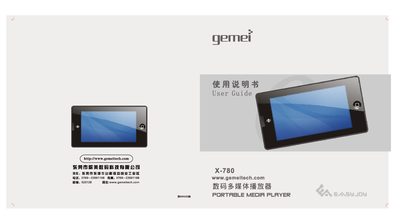
Gemei X-780 Digital Media Player User Guide
The X-780 is a portable digital multimedia player featuring a 3.0‑inch TFT widescreen, support for video, audio, FM radio, voice control, and USB 2.0 connectivity. It includes functions such as one‑key voice control, TV‑OUT, FM recording, and a variety of playback modes.
This guide covers safety precautions, button layout, basic operation steps, voice‑command usage, music and video playback, file management, charging, and a troubleshooting section that addresses common issues like power problems, USB connection errors, and playback failures. This manual is written in Chinese.
Gemei X-780 specifications
| Audio effect modes | 普通, 流行, 播滚, 古典, 人声, 用户自定义 |
|---|---|
| Playback modes | 循环播放, 顺序播放, 随机播放, 单曲循环 |
| Display | 3.0‑inch WQVGA TFT, 400×240 resolution |
| Recording capability | MP3 compressed recording |
| USB interface | USB 2.0 High‑speed |
| Maximum output power | 10 mW × 2 |
All Gemei X-780 documents by type
Day-to-day operation, settings and troubleshooting. Start here if the product is already set up.
Questions answered in these manuals
How do I charge the X‑780?
Connect the device to a computer with the USB cable; the USB connection also charges the built‑in battery.
How do I charge the X‑780LE?
Connect the device to a computer with the USB cable; the player will charge the internal lithium battery while data transfer is possible.
Why does the player shut off automatically?
The player may shut off if the battery level is low or if the auto‑shutdown timer is set and no keys are pressed for the configured period.