
The document describes the features and characteristics of a product.
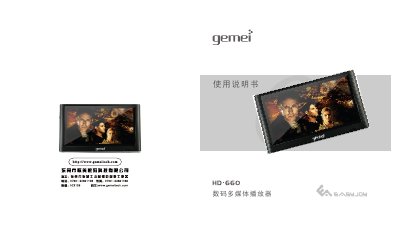
The X-660 is a portable digital multimedia player with a 4.3‑inch WQVGA screen, high‑definition video output, FM radio, and support for many audio and video formats. This manual explains safe handling, charging, and how to use all built‑in functions.
Key sections cover safety precautions, button layout, basic operation, music hall playback, cinema playback, digital photo album, e‑book reading, recording, FM radio, settings, file management, and firmware upgrade procedures. This manual is written in Chinese.
| Screen size | 4.3 inches |
|---|---|
| Screen resolution | 480 × 272 pixels |
| Supported video formats | RMVB, RM, AVI, FLV |
| Supported audio formats | MP3, WMA, APE, FLAC |
| FM radio frequency range | 87.5 MHz – 108.0 MHz |
| Battery charging time (off‑device) | 4–5 hours |
| USB interface | USB 2.0 High‑speed |
| Internal storage (factory spec) | 128 MB |
Do not use or store the player in dusty, humid, high‑temperature or strongly magnetic environments, and avoid using it while driving or during intense physical activity.
Charging the battery while the device is off takes about 4 to 5 hours.
The player supports high‑resolution RMVB, RM, AVI and FLV video files directly.
Download the firmware package from the Gemei website, copy the file (e.g., HD-660.HXF) to the player, then hold VOL‑ and RESET while connecting USB to start the upgrade.