
SF-22L is a MP3 player from SenFeng,supports MP3,WAV,WMA format files playback,supports USB2.0 interface,supports A-B loop,EQ equalizer,recording,FM radio,battery capacity is 5mW,voltage is 2S,power consumption is 0.05%,weight is 11.2g,color is black
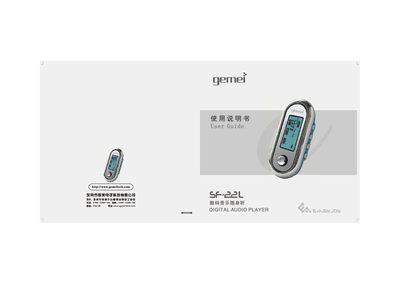
The Gemei SF-22L is a portable digital audio player that supports MP3, WAV and WMA formats, voice recording, e‑book reading and USB mass‑storage functions. This guide explains safety precautions, main functions, button layout and menu settings to help users operate the device safely and efficiently.
Key topics include battery handling, headphone use, file navigation, firmware upgrade, and detailed troubleshooting steps for common issues such as freezing during file transfer or power‑on failures. The manual also lists the technical specifications of the player. This manual is written in Chinese.
| Supported audio formats | MP3, WAV, WMA |
|---|---|
| Audio effect modes | 7 (normal, roll, classic, pop, bass, custom, etc.) |
| Playback modes | 7 (normal, repeat one, repeat all, random repeat, random play, preview, A‑B repeat) |
| Display | LCD screen |
| Recording format | ADPCM with MP3 compression |
| USB interface | Full Speed USB 2.0 |
| Frequency response | 20 Hz – 20 kHz |
| Total harmonic distortion (THD) | ≤0.05 % |
| Recording sample rate | 8 kHz – 32 kHz |
| Output power | ≈5 mW |
Do not unplug the USB cable until the LCD shows that the copy progress has finished; otherwise the player may lock up.
Remove the battery, long‑press the PLAY button, then reconnect the battery and reinstall the firmware.
Press the MENU key, select the “Language” item, and choose Chinese, Simplified Chinese, or English.
Immediately clean the battery compartment and replace the battery with a new one.