
The document introduces a CNN-based image classification method that can effectively identify products in the document.
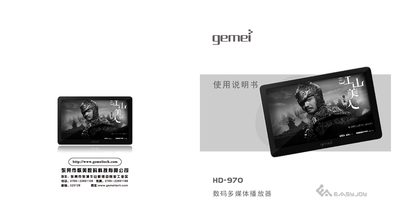
This manual explains the safety precautions and proper handling of the Gemei HD970 digital multimedia player, covering topics such as battery charging, USB connection, and environmental restrictions. It also lists the accessories supplied with the device and describes the layout of buttons and indicators.
Detailed instructions are provided for basic functions (power on/off, volume control, menu navigation), media playback (music hall, cinema, digital photo album, e‑book library), recording, FM radio, TF‑card management, and computer connection with firmware upgrade. Troubleshooting tips address common issues like unexpected shutdowns, USB recognition problems, and storage errors. This manual is written in Chinese.
| Display | 7‑inch WVGA 800×480, 16‑million colors |
|---|---|
| Supported Video Formats | RMVB, RM, AVI, FLV |
| Supported Audio Formats | MP3, WMA, APE, FLAC |
| FM Radio Band | 76.0 MHz – 108.0 MHz |
Download the upgrade package from the Gemei website, copy the file HD‑970.HXF to the player, then unplug the USB cable while holding the VOL‑ and RESET keys until the screen shows “Firmware Upgrade… Do not power off”.
Before unplugging, click the USB icon in the Windows task‑bar to safely eject the device, then remove the cable.