
The document introduces the features and characteristics of an MP3 player, including support for multiple audio formats, high-speed USB2.0 interface, and FM radio playback.
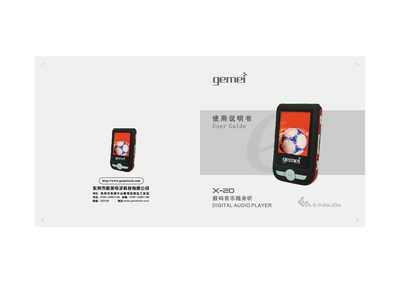
This guide covers the basic operation of the Gemei X-20 digital audio player, including playback of MP3, WMA, WAV, APE and OGG files, FM radio, video and image viewing, and text reading. It also explains safety precautions, power‑adapter usage, and how to connect the device to a computer via the High‑Speed USB 2.0 interface.
Additional sections describe troubleshooting for common issues such as freezing, key lock‑up, and USB connection problems, as well as detailed procedures for formatting the internal storage, updating firmware, using the built‑in game mode, phone‑book function, and text‑reading feature. This manual is written in Chinese.
| Supported audio formats | MP3, WMA, WAV, APE, OGG |
|---|---|
| Audio effect modes | 7 modes (Natural, Pop, Classic, Soft, etc.) |
| Display screen | 1.8" color LCD |
| USB interface | High‑Speed USB 2.0 |
| Supported operating systems | Windows 98/ME/2000/2003/XP |
| Signal‑to‑noise ratio | ≥80 dB |
| Frequency response | 20 Hz – 20 kHz |
| Total harmonic distortion (THD) | ≤0.05 % |
| FM reception range | 76 MHz – 108 MHz |
Copying songs or formatting while the USB cable is disconnected can cause the keys to lock; avoid removing the USB cable until the copy progress indicator stops.
Turn the power switch back to ON; the computer will detect the MP3 hardware and allow a firmware upgrade.
Connect the player to a PC, open the removable drive, right‑click and choose Format; ensure all important data is backed up first.