
This document is an instruction manual for a USB MP3 player, which includes information about the product's features, usage instructions, and technical specifications.
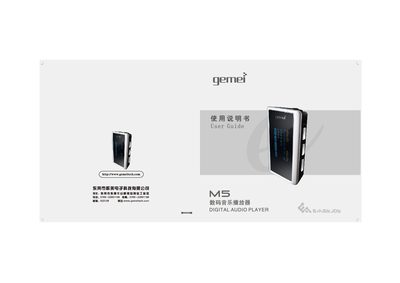
This manual explains how to safely use the Gemei M5 digital audio player, covering basic functions such as music playback, FM radio, recording, and file navigation. It includes safety precautions, battery handling, and connection instructions for USB transfer to a computer.
Detailed sections describe button functions, playback modes, sound‑effect settings, and how to manage files, playlists, and recordings. Troubleshooting tips help resolve common issues like freezing during file copy or USB connection problems. This manual is written in Chinese.
| Supported audio formats | MP3, WMA, WAV |
|---|---|
| Sound effect modes | 7 modes – Normal, Pop, Jazz, Classic, Rock, Bass, Custom |
| Display | Color DLED screen |
| USB interface | Full Speed USB 2.0 |
| Recording format | ADPCM |
Removing the USB cable before the copy or format process finishes causes the player to freeze; wait until the progress bar stops before disconnecting.
Click the safe‑remove icon in the Windows notification area (or right‑click the device in Windows Explorer and choose ‘Eject’) before unplugging the USB cable.
The USB cable may not be fully inserted or the port may not supply enough power; ensure the connector is seated firmly and the cable is not damaged.
The player uses the decimal definition (1 GB = 1000 MB), while the computer uses the binary definition (1 GB = 1024 MB), causing a small discrepancy.