
This document introduces a system for monitoring and managing ARM-based devices. The system consists of several components, including a central manager, a device manager, and a device agent. The central manager is responsible for monitoring and managing all devices, and provides a central management interface. The device manager is responsible for communicating with each device, and sending device status information to the central manager. The device agent is responsible for running on the device, and collecting device status information.
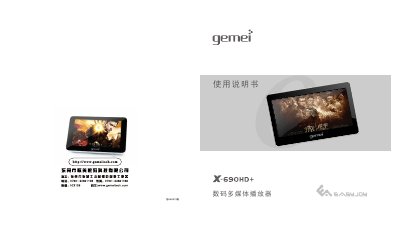
The Gemei X-690HD+ is a 4.3‑inch digital multimedia player with high‑definition video playback, FM radio, recording, e‑book reading and photo viewing. The manual provides safety guidelines, describes the main functions, and explains how to use each feature such as music playback, cinema mode, and digital photo album.
It also details connection methods, firmware upgrade procedures, TF‑card handling, battery charging, and troubleshooting tips to help users get the most out of the device. This manual is written in Chinese.
| Screen size | 4.3 inches |
|---|---|
| Screen resolution | 800 × 480 (WQVGA) |
| Supported audio formats | MP3, WMA, APE, FLAC |
| Battery charging time | ≈4‑5 hours (charging while powered off) |
| USB interface | USB 2.0 High‑speed |
| TF‑card file system | FAT32 |
| FM radio frequency range | 87.5 MHz – 108 MHz |
Download the firmware package from the Gemei website, copy the file X‑690HD+.HXF to the player, then disconnect the USB cable and hold the VOL‑ and RESET keys until the “Firmware Upgrade… Do not power off” message appears.