
SGH-E628 phone user manual, introduces the use of the phone, precautions, safety measures and other
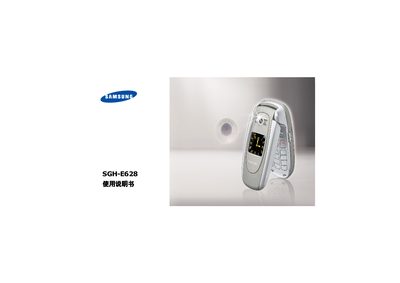
This user manual is for the Samsung SGH-E628 mobile phone. It provides safety precautions, a phone parts diagram, accessories information, and initial setup steps including SIM card installation and charging.
It also covers special functions such as the camera, Bluetooth, WAP browser, MMS, email, Java games, voice recording, and calendar, along with menu functions, troubleshooting, and health and safety information. This manual is written in Chinese.
| Water resistance | Not waterproof |
|---|
No. The phone is not waterproof and should be kept dry.
Insert the travel charger into the phone and a standard AC power outlet; the LED shows red while charging and green when complete.
Yes. Do not use the phone at gas stations or near flammable items and chemicals.