
This document describes how to install Kies (PC Sync) software and provides specific installation steps. It also introduces the features and characteristics of Kies.
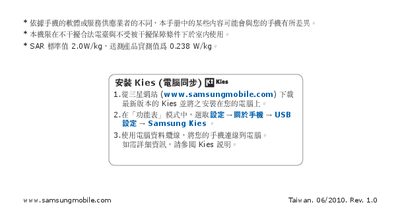
This manual provides an overview of the Samsung Galaxy S GT-I9000 smartphone, describing its hardware layout, battery specifications, and supported network bands. It also explains how to use Samsung Kies for data transfer and software updates via the USB connection.
The guide details wireless features such as Wi‑Fi, Bluetooth, and access to Google services like Android Market, Google Maps, and YouTube. Safety warnings, regulatory information, and troubleshooting tips are included to help users operate the device safely and efficiently.
| Battery capacity | 1500 mAh |
|---|---|
| WCDMA bands | 900/1900/2100 MHz |
| GSM bands | 850/900 MHz (2 W), 1800/1900 MHz (1 W) |
| Bluetooth version | Bluetooth® 2.0 |
The phone uses a 3.7 V, 1500 mAh battery.