
SSW V3.0B programmer user manual, which introduces the programmer's functions, installation, connection, software startup, chip model selection, chip type selection, automatic programming option configuration, programming address setting and programming memory check, software interface operation button function use, VPP/VCC protection detection, burning interface/burning adapter application/burning seat burning method, burning on the circuit board burning method precautions and other information
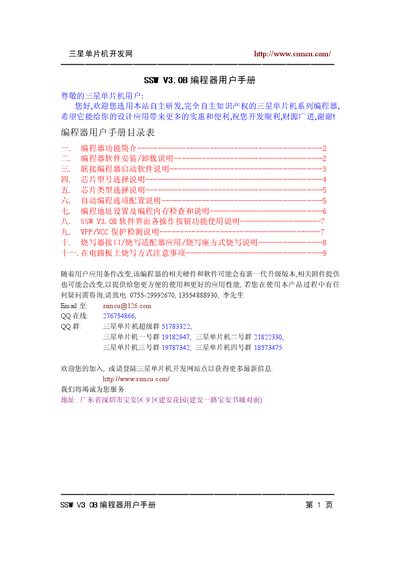
This manual introduces the SSW V3.0B programmer, a USB‑connected device for programming Samsung FLASH MCUs such as the S3F9454 series. It describes the new features, supported chip families, and required programming voltages (VCC = 5 V, VPP = 12 V).
The guide covers software installation (SETUP.EXE), driver requirements (PL2303‑USB), connection procedures, chip model and type selection, automatic programming options, address configuration, and safety precautions for on‑board programming. It also lists supported Windows operating systems and hardware power specifications. This manual is written in Chinese.
| Supported programming voltage | VCC = 5.0 V, VPP = 12 V |
|---|---|
| Power supply input | 15 V‑30 V DC, 0.3 A‑1 A |
| USB driver requirement | PL2303‑USB driver |
| Compatible operating systems | Windows 2000, XP, 2003, Vista, Windows 7 |
Run the SETUP.EXE program, choose an installation folder (e.g., the root of a drive), and follow the prompts; the installer will also offer to install the required PL2303‑USB driver.
The programmer works only with VCC = 5 V and VPP = 12 V; other voltages are not supported.
It runs on Windows 2000, Windows XP, Windows 2003, Windows Vista, and Windows 7, but not on Windows ME or Windows 98.