
Samsung SecretZone is a software that comes with Samsung external hard drives, which can create virtual drives and encrypt stored data.
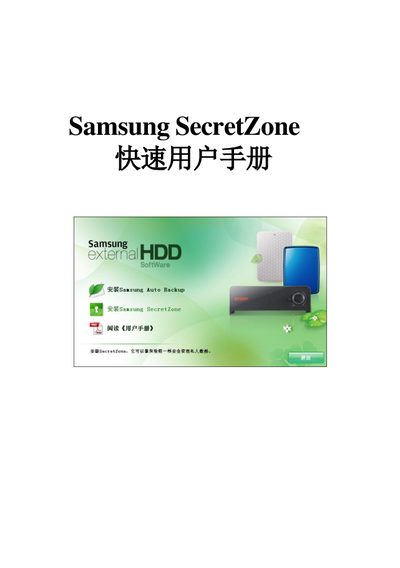
This guide walks you through installing Samsung SecretZone using the provided install wizard. It explains each step, from clicking “安装 Samsung SecretZone” to entering the administrator password and completing the setup.
After installation, the manual describes how to create a new virtual disk, set its name and format, and notes size limits such as a maximum of 2 GB per virtual disk and a 4 GB file size limit on FAT32 file systems. This manual is written in Chinese.
| Default virtual disk size | 1024 megabyte |
|---|---|
| Maximum virtual disk size | 2 GB |
Run the install wizard and click “安装 Samsung SecretZone”, then follow the on‑screen prompts to enter the administrator password and finish the installation.
The software limits each virtual disk to a maximum size of 2 GB.