
This document is the user manual for the data projector XJ-H1600/XJ-H1650* XJ-ST145*/XJ-ST155*. The document provides an overview of the projector, its features and main functions, as well as instructions for operating the projector and adjusting the image.
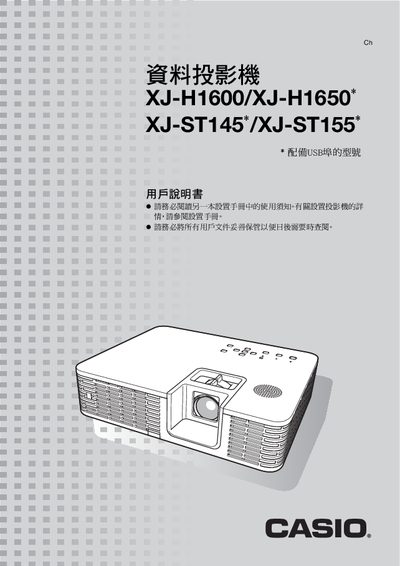
This manual describes the main features of the Casio XJ‑H1600, XJ‑H1650, XJ‑ST145 and XJ‑ST155 projectors, including their laser‑LED light source, DLP technology, 3D support and eco‑mode. It covers initial setup, connection options (HDMI, RGB, component, S‑Video, LAN, USB), and how to adjust image settings such as brightness, color mode, focus and aspect ratio.
Additional sections explain how to use the remote control, configure passwords, clean the exterior and lens, and perform routine maintenance. The specification table at the end lists brightness, resolution, lens zoom, input/output ports and other technical details. This manual is written in Chinese.
| Brightness (lumens) | 3500 (XJ‑H1600), 2500 (XJ‑H1650), 3000 (XJ‑ST145) |
|---|---|
| Projection technology | DLP |
| Resolution | 1024 × 768 (XGA) |
| Lens | 1.2× manual zoom, manual focus |
| Light source | Laser and LED |
| Video inputs | RGB 15‑pin D‑Sub × 2, HDMI × 1, Component × 1, S‑Video × 1, Composite × 1, VGA × 1 |
| Audio inputs | 3.5 mm stereo mini‑jack × 2, RCA × 2 |
| Network | LAN RJ‑45 × 1 |
You can insert a USB flash drive or memory card into the projector’s USB‑A port and play PowerPoint files, images or videos directly.
Refer to the cleaning section: clean the exterior and the lens as described in the “投影机的清洁” chapter.
You can use a wired LAN connection on the rear LAN port or a wireless LAN connection to control the projector from a computer.