
This manual explains how to use the digital camera.
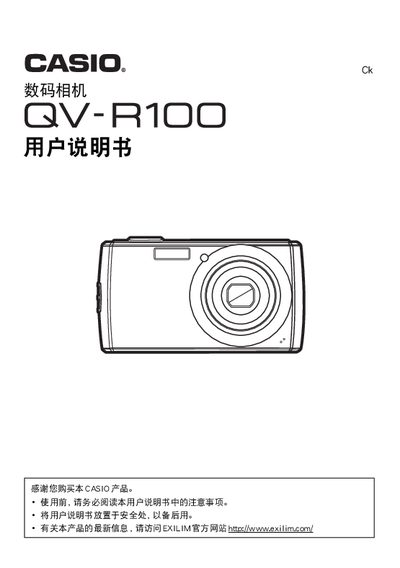
This document is the user manual for the Casio QV-R100 digital camera. It covers essential topics such as initial setup, battery charging, connecting the camera to a computer, and using the various shooting modes including still images and movies. The guide also explains how to play back captured media and configure camera settings via the menu system. This manual is written in Japanese.
| Rated Voltage | 3.7V |
|---|---|
| Rated Capacity | 700 mAh |
| Operating Temperature (Battery) | 0 to 40 degrees Celsius |
| Dimensions (Battery) | 31.4 x 39.5 x 5.9 mm |
| Weight (Battery) | Approx. 19g |
| Input Voltage (Adapter) | 100 to 240 V AC |
| Output Voltage (Adapter) | 5.0 V DC |
The operating temperature requirement is 0 to 40 degrees Celsius.
The adapter accepts 100 to 240 V AC input and provides 5.0 V DC output.
The rated capacity of the NP-80 battery is 700 mAh.