
Instruction manual, introduces the function and operation of the watch.
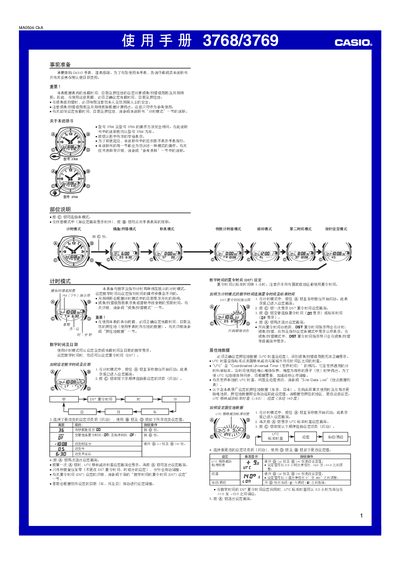
This manual provides step‑by‑step instructions for operating the Casio 3768/3769 watch. It covers initial preparation, button functions, time and date setting, daylight‑saving time (DST) adjustments, residence data, and the various modes such as fishing/hunting, stopwatch, countdown timer and alarms.
Additional sections describe how to set the second time zone, adjust the LED backlight duration, and reference technical data like the automatic calendar and LED illumination. The guide also includes a comprehensive list of world UTC offsets for accurate fishing/hunting level calculations. This manual is written in Chinese.
| LED illumination | 2 LEDs |
|---|---|
| Calendar | Fully automatic calendar (adjusts month length and leap years) |
Enter the time‑setting screen in Timer mode, hold the A button until the seconds digits flash, then use the B and D buttons to adjust hours, minutes and seconds.
Enter Alarm mode, use the D button to select the desired alarm, hold the A button until the hour digits flash, then adjust the time with the B and D buttons.