
This manual introduces basic operations of Casio XJ-A140V/XJ-A145V/XJ-A150V/XJ-A155V projectors, including installation, setup, connection to a computer or video device
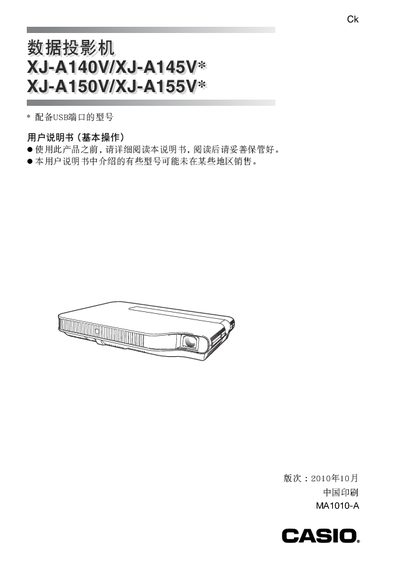
This manual covers essential safety notices, including warnings about electric shock, fire hazards, and laser safety, and explains the proper handling of power cables, batteries, and the projector's internal components. It also details the steps for cleaning, maintenance, and troubleshooting common issues.
The guide walks users through initial setup, connecting the projector to computers or video sources via HDMI or other ports, using the included CD‑ROM for additional instructions, and adjusting the projection angle. Model‑specific notes for the XJ‑A140V, XJ‑A145V, XJ‑A150V, and XJ‑A155V are provided, along with warranty and service contact information. This manual is written in Chinese.
| Laser Class | Class 1 (IEC 60825‑1) |
|---|---|
| USB‑E Port | Available on certain models |
Yes, it complies with IEC 60825‑1 Class 1 laser safety standards.