
This is the instruction manual for the CASIO watch, which introduces the basic functions and usage methods of the watch
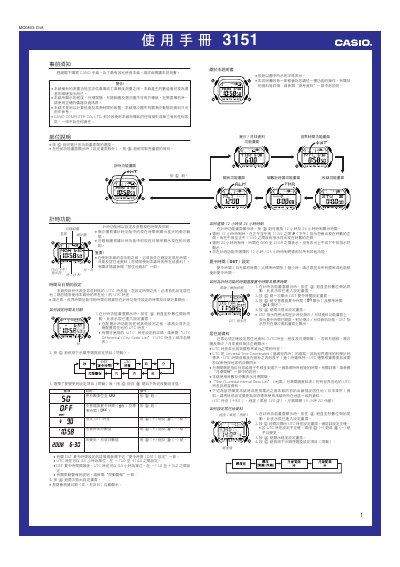
This manual provides step‑by‑step instructions for operating the Casio 3151 watch, covering time and date setup, UTC offset, daylight‑saving time, and the various display modes such as world time, tide/moon data, stopwatch, countdown timer and alarms.
It also describes the watch’s illumination system, automatic lighting, flashing alerts, and safety warnings, plus reference tables for UTC differentials and city codes needed for accurate time and tide information. This manual is written in Chinese.
| UTC offset range | -12.0 to +14.0 (0.5‑hour steps) |
|---|---|
| UTC offset after DST | -11.0 to +15.0 (0.5‑hour steps) |
| Illumination type | EL (electroluminescent) panel |
| Countdown timer range | 1 minute to 24 hours |
Press and hold the A button until the seconds digits flash, then use the D (+) and B (‑) buttons to adjust the time, date and UTC offset.
While any function screen is displayed, press B; each press switches the illumination between about 1.5 seconds and 3 seconds.