
This manual explains how to use the CASIO EXILIM digital camera.
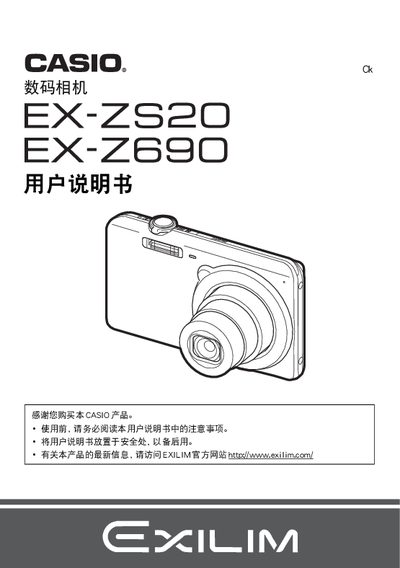
This manual introduces safety precautions, lists the included accessories, and guides you through powering the camera, charging the NP‑120 lithium‑ion battery, and inserting a memory card. It explains basic functions such as turning the camera on and off, holding the camera correctly, and taking snapshots.
Later sections cover advanced features like BEST SHOT, continuous shooting, flash use, face detection, video output settings, and connecting the camera to a PC or Mac via USB. The appendix contains specifications for the battery and USB‑AC adapter, as well as troubleshooting tips for common issues. This manual is written in Chinese.
| Battery model | NP-120 |
|---|---|
| Battery voltage | 3.7 V |
| Battery capacity | 600 mAh |
| USB‑AC adapter model | AD-C53U |
| Adapter input voltage | 100‑240 V AC, 50/60 Hz |
| Adapter output | 5.0 V DC, 650 mA |
Charge the NP‑120 lithium‑ion battery using the supplied USB‑AC adapter (model AD‑C53U) and USB cable before first use.
Select the format (initialization) option in the camera menu to format a newly inserted memory card.
Enable the file‑protection feature in the menu to prevent files from being deleted unintentionally.