
This is a projector manual, which introduces the features and usage of the projector
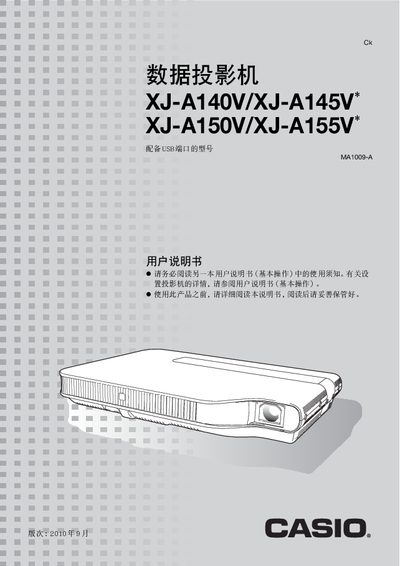
This manual covers the basic operation of the Casio XJ‑A series projectors, including power‑on procedures, image and audio adjustments, and the use of built‑in functions such as zoom, focus, and aspect‑ratio settings. It also describes the various input options—HDMI, USB, LAN, and RGB/Y‑Cb‑Cr—and how to select the appropriate source.
Additional sections explain how to clean the exterior, lens, and ventilation openings, as well as how to replace the lamp and interpret the indicator lights. Technical data such as brightness, physical dimensions, projection distance, and supported HDMI resolutions are listed for quick reference. This manual is written in Chinese.
| Brightness | 500–3000 lumens |
|---|---|
| Physical size | A4 document size, 48 mm thickness |
| Projection distance for 60‑inch image | 1.7 m |
Use the zoom and focus controls on the remote or projector panel to change the image size and sharpness during projection.