
Key facts
Start here
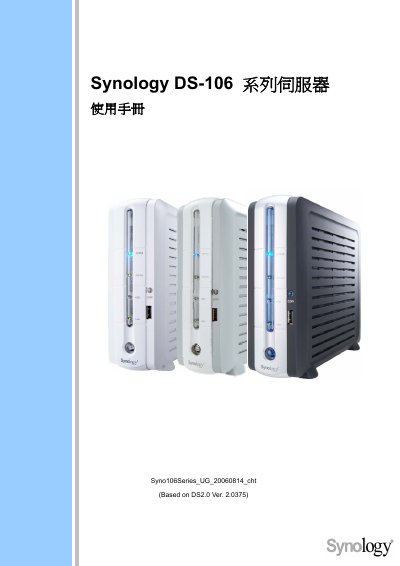
Synology DS-106 Series User Manual
This manual explains how to connect digital content to the Synology DS-106 DiskStation, including USB flash drives, external USB disks, external SATA disks, and network media players. It also covers basic network configuration and supported services such as Download Station, Web Station, FTP, and NTP server settings.
Additional sections describe the use of the built‑in wireless router, how to access the DiskStation from Windows or Mac computers, and a list of public NTP servers for time synchronization.
Synology DS-106 specifications
| Model | DS-106j |
|---|---|
| Disk Interface | IDE |
| Maximum Disk Capacity | 400 GB |
| USB Copy Function | Yes |
| Maximum Users | 128 |
| Dimensions (W×D×H) | 18.1 cm × 21.2 cm × 6.0 cm |
| Weight (without accessories) | 0.5 kg |
All Synology DS-106 documents by type
Day-to-day operation, settings and troubleshooting. Start here if the product is already set up.
Questions answered in these manuals
How do I connect a USB flash drive to the Synology DS-106?
Use the USB Flash/Card Reader port on the DiskStation to attach a USB flash drive.
How many users can the DS-106j support?
The device can support up to 128 simultaneous users.
Does the DS-106j support the USB Copy function?
Yes, the USB Copy feature is supported.