
Philips SHB9000 Bluetooth Stereo Headphones User Manual introduces the features, usage and precautions of the headphones.
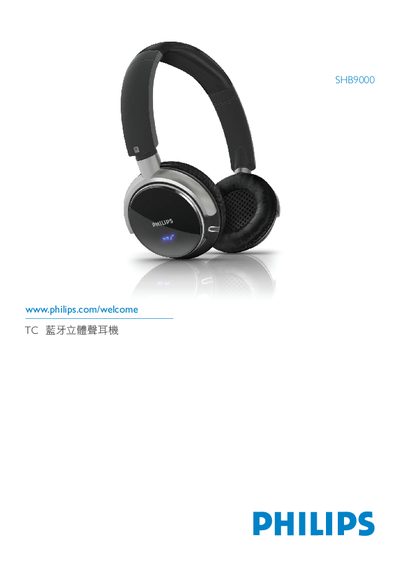
The Philips SHB9000 is a Bluetooth stereo headset that supports wireless calls, music streaming, and music control via Bluetooth 2.0+EDR with A2DP, AVRCP, HSP, and HFP profiles. It includes a 3.5mm audio cable for wired use, a foldable headband, and noise-isolating ear cushions.
The headset offers up to 17 hours of music playback, 18 hours of talk time, and 400 hours of standby. It charges in 4 hours via micro-USB and features Philips FullSound digital sound enhancement, which can be toggled on or off. The operating range is up to 15 meters (50 feet). This manual is written in Chinese.
| Music playback time | Up to 17 hours |
|---|---|
| Talk time | Up to 18 hours |
| Standby time | Up to 400 hours |
| Charging time | 4 hours |
| Battery | Rechargeable lithium-polymer (460mAh) |
| Bluetooth version | 2.0 + EDR |
| Supported profiles | A2DP, AVRCP, HSP, HFP |
| FullSound | Digital sound enhancement |
| Noise cancellation | Digital echo and noise suppression |
| Audio jack | 3.5mm for wired mode |
| Headband | Foldable adjustable |
| Ear cushions | Noise isolation and slow-rebound |
| Operating range | Up to 15 meters (50 feet) |
The headphones provide up to 17 hours of music playback, 18 hours of talk time, and 400 hours of standby time.
Press and hold the volume up and volume down buttons simultaneously for 4 seconds to toggle FullSound. A single beep indicates activation, two beeps indicate deactivation.