
This document is the user manual of Philips DVD Home Theater System, which introduces the features and usage methods of the product.
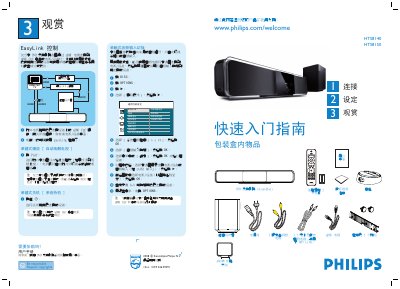
This guide covers everything needed to get the Philips HTS8140/HTS8150 SoundBar up and running. It lists the items included in the box, shows how to connect power, HDMI, audio cables, the sub‑woofer, and the optional iPod dock, and explains the EasyLink HDMI‑CEC feature for single‑button control of connected devices.
The manual walks you through the initial setup steps: selecting the on‑screen language, choosing room‑type presets, adjusting height (0.8‑1.2 m) and listening distance (2‑3 m), mapping audio inputs, and positioning the SoundBar and sub‑woofer for optimal sound. It also details how to use the remote for playback, standby, and audio source selection. This manual is written in Chinese.
| Recommended Height | 0.8–1.2 m |
|---|---|
| Recommended Listening Distance | 2–3 m |
Press and hold the 2 button to put the system into standby; this turns off the SoundBar and all HDMI‑CEC compatible devices.