
ISP 89C51 Philips Experiment Board is a set of experimental and development tools designed for beginners to learn and master the basic knowledge of single-chip microcomputers. This experiment board can be connected to a 16 * 2 liquid crystal display module and has a universal board area. Users can add or subtract peripherals according to their needs to achieve the purpose of learning more aspects of knowledge.
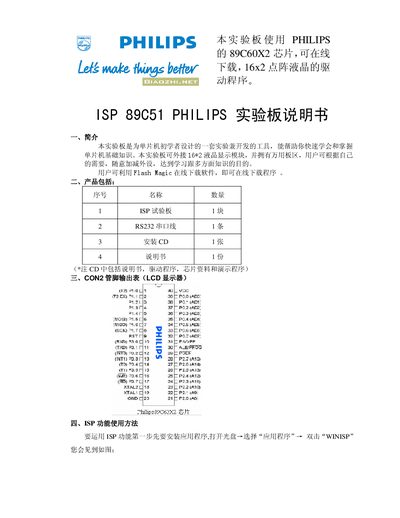
This manual introduces the Philips ISP 89C51 experimental board, a development tool for beginners that supports a 16x2 LCD module, RS232 interface and a customizable prototyping area. It lists the package contents and pin‑out table for the board.
The guide explains how to use the ISP function with Flash Magic software, including installation, driver selection, jumper settings before and after programming, and the erase‑program‑verify workflow. This manual is written in Chinese.
| LCD display | 16x2 character module |
|---|---|
| RS232 cable | 1 cable |
| Board quantity | 1 unit |
Set jumper 3 to short pins 2‑3 before starting the ISP download, then reset the board.
Run the Flash Magic installer, accept the license agreement, choose the installation folder, and click Next through the remaining steps.
The board uses Flash Magic 1.82 to perform ISP programming via the WINISP application.