
226V3L TC User Manual, introduces information on display installation, operation, cleaning, maintenance and troubleshooting.
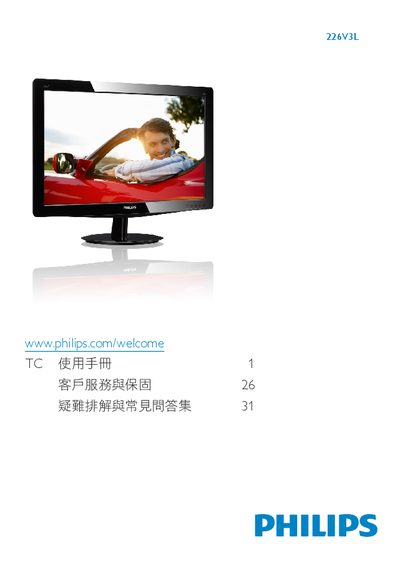
This manual covers safety measures, unpacking, and proper handling of the Philips 226V3L TC LCD monitor. It explains how to install the monitor on its base, connect power and video cables (VGA, DVI), and configure the on‑screen display (OSD) settings such as picture format, brightness, contrast, and color temperature.
Additional sections describe power‑management features, recycling information, warranty details, and a comprehensive FAQ that addresses common issues like screen burn‑in, cleaning the panel, temperature limits, and plug‑and‑play compatibility with various operating systems. This manual is written in Chinese.
| Operating Temperature | 0‑40 °C (32‑95 °F) |
|---|---|
| Relative Humidity | 20‑80 % RH |
| Native Resolution | 1920 × 1080 @ 60 Hz |
| Power Input | AC power input |
| Color Temperature Settings | 6500 K and 9300 K |
Press the OK button, then press the Reset button to restore all original settings.
Yes, the monitor is compatible with Plug‑and‑Play on Windows 7, Vista, XP, NT, macOS, and Linux.