
This document is the user manual for the programming device of Samsung microcontrollers. It introduces the functions of the programmer, software installation, chip model selection, and automatic programming option configuration.
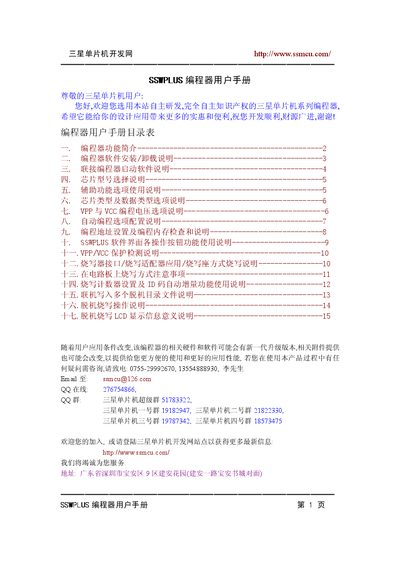
The SSWPLUS programmer is a dedicated device for programming Samsung microcontrollers. It supports both 4‑bit and 8‑bit MCU families, offers dual‑voltage operation (5 V/3.3 V), and can handle up to 64 KB of ROM. The manual explains installation, connection, and all software options.
Key features include VPP voltage selection (12 V, 11 V, VCC), automatic programming modes, offline programming with up to 15 code files, and detailed LCD status messages. Safety and troubleshooting guidance are also provided. This manual is written in Chinese.
| Power supply voltage | 15‑30 V DC |
|---|---|
| Power supply current | 0.5‑1 A |
| Supported MCU voltage | 5 V / 3.3 V |
| Maximum ROM size | 64 KB |
| VPP voltage options | 12 V, 11 V, VCC |
| Number of offline code files | 15 |
It needs a DC power source between 15 V and 30 V with a stable current of 0.5 A to 1 A.
It shows that the programmer has been powered on and is ready for operation.