
This is a user manual for ATEN's UC-232A product. It mainly introduces the features and usage of the product.
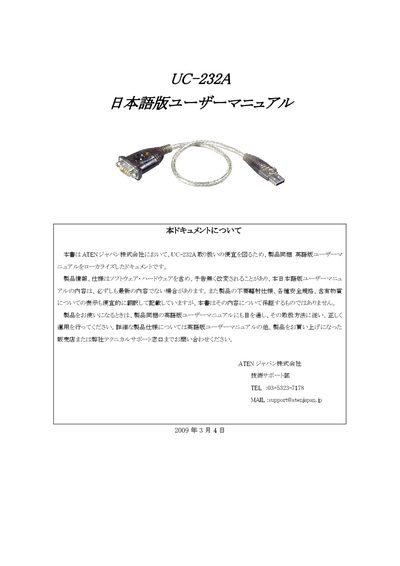
This manual explains how to install and configure the ATEN UC-232A USB‑to‑RS‑232 converter on Windows, macOS, and Linux systems, including driver installation, connection procedures, and driver removal. It also includes contact information for technical support and sales.
Technical specifications such as connector types, cable length, data‑transfer speed, power requirements, and environmental limits are listed, along with regulatory compliance (FCC, RoHS) and detailed warranty terms for the product. This manual is written in Japanese.
| RS‑232 Connector | DB9 male |
|---|---|
| Maximum Data Transfer Speed | 230 Kbps |
| LED Indicator | Orange (handshake) |
| USB Specification | USB 1.1 compliant |
| Operating Temperature | 5 °C – 40 °C |
| Storage Temperature | -20 °C – 60 °C |
| Humidity Range | 0 % – 80 % RH (no condensation) |
| Dimensions (W×D×H) | 65.9 mm × 34 mm × 16 mm |