
Quick Start Guide that introduces the basic functions and usage of the Cisco Unified IP Phone 6921
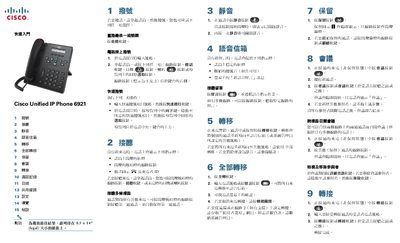
The guide provides step‑by‑step instructions for using the Cisco Unified IP Phone 6921. It covers essential functions such as dialing, answering calls, muting, accessing voicemail, transferring calls, setting up conferences, and viewing call logs. Each operation is described with the required button presses and navigation using the phone’s soft keys and navigation bar.
Additional sections explain how to adjust volume, configure ringtones, manage shared lines, and customize screen contrast. Tips for muting the ringtone and configuring Do Not Disturb are also included, along with a reference to the full user manual online. This manual is written in Chinese.
| Supported lines | Up to 2 lines |
|---|
During ringing, an active call, or while on hold, press the Transfer soft key to redirect the call to voicemail or another number.