
This is an instruction manual that introduces the features and usage methods of the 3189/3252 model.
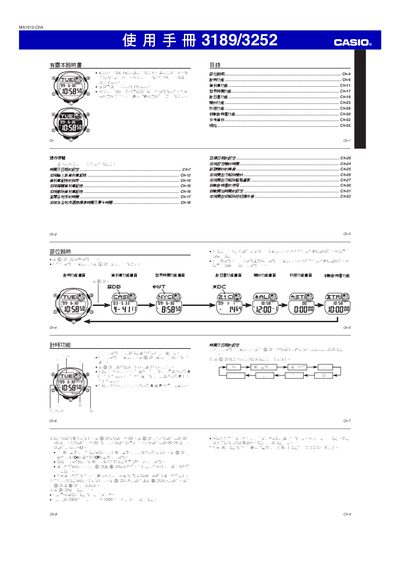
This manual provides step‑by‑step instructions for operating the Casio 3189/3252 watch. It covers basic time‑setting, switching between 12‑hour and 24‑hour formats, configuring daylight‑saving time, using the world‑time feature for up to 30 cities, and managing alarms, countdown timer and stopwatch functions.
Additional sections describe the backlight operation, battery replacement, and technical details such as date range limits, timer precision, and the CR1616 button cell required for power. Reference tables list city codes for the world‑time function and provide troubleshooting tips. This manual is written in Chinese.
| Battery type | CR1616 button cell |
|---|---|
| Stopwatch precision | 0.01 second (23 h 59 m 59.99 s max) |
| Automatic calendar range | 2000‑01‑01 to 2099‑12‑31 |
The watch uses a single CR1616 button cell, which can power the watch for about three years.