
This is a manual for using a watch. It mainly introduces the time setting, date and week setting, stopwatch usage and elapsed time scale usage of the watch
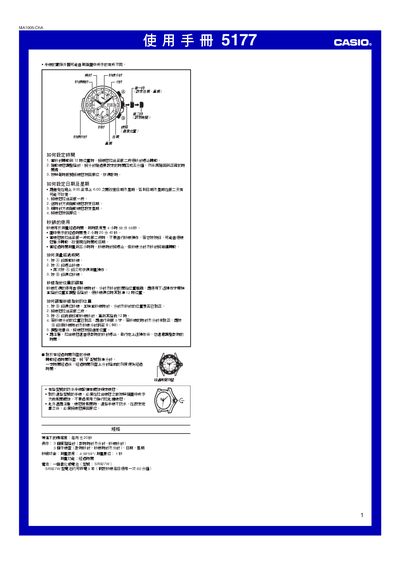
This manual explains how to set the time, date, and day of the week on the Casio MA1005‑ChA watch. It provides step‑by‑step directions for pulling out the crown, rotating it clockwise or counter‑clockwise, and returning it to the normal position.
The guide also covers the stopwatch function, including how to start, stop, and reset the seconds hand, as well as battery information and technical specifications such as accuracy and battery type. This manual is written in Chinese.
| Accuracy (room temperature) | ±20 seconds per month |
|---|---|
| Battery type | SR927W silver‑oxide battery |
| Stopwatch range | 4 h 59 min 59 s |
| Stopwatch resolution | 1 second |
Pull the crown out to the first position, rotate counter‑clockwise to set the hour and minute hands, then push the crown back in.
Pull the crown out to the second position, rotate counter‑clockwise to adjust the date, then rotate clockwise to set the day, and finally return the crown to the normal position.
The watch uses one SR927W silver‑oxide battery, which can power the watch for about five years under normal use.