
This is a user manual for a watch, which introduces the functions and usage methods of the watch.
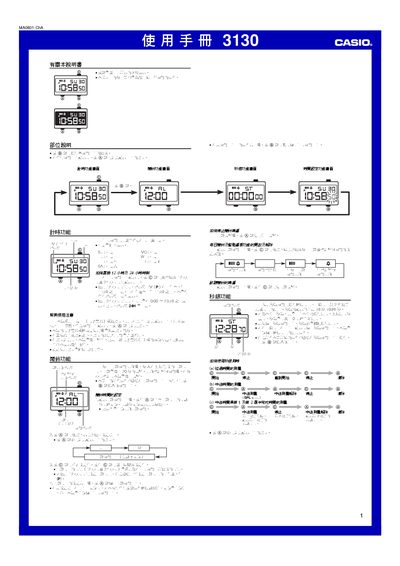
This manual describes the operation of the Casio 3130 watch, covering the timer, alarm, stopwatch, and time‑setting features. It explains button functions (A, B, C) and how to navigate between different function screens.
The guide also provides details on illumination using an EL panel, switching between 12‑hour and 24‑hour display modes, and setting daily alarms and hourly chimes. Instructions for using the stopwatch and adjusting the date and time are included. This manual is written in Chinese.
| Display illumination | EL (electroluminescent) panel |
|---|---|
| Time display format | 12‑hour or 24‑hour |
| Alarm sound duration | 20 seconds |
| Stopwatch range | 59 min 59.99 sec |
Press and hold the A button until the hour digits flash, then use the C button to adjust the time.
While on the time screen, press the C button to toggle between 12‑hour and 24‑hour formats.
The stopwatch can display up to 59 minutes, 59.99 seconds.