
3230/3232 user manual
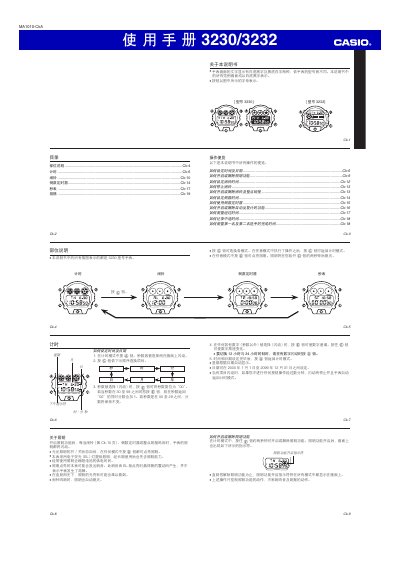
This manual provides step‑by‑step instructions for operating the Casio 3230/3232 watch. It covers setting the time and date, selecting 12‑hour or 24‑hour formats, and using the built‑in calendar that runs from 2000 to 2099.
The guide also describes how to configure alarms, countdown timers, and the stopwatch, as well as how to activate the EL illumination and replace the CR2016 battery. Technical specifications such as accuracy, measurement units, and battery life are listed in the specifications section. This manual is written in Chinese.
| Accuracy (normal temperature) | ±15 seconds per month |
|---|---|
| Timing functions | Hours, minutes, seconds, AM/PM, month, day, weekday |
| Calendar range | 2000‑01‑01 to 2099‑12‑31 |
| Alarm | Multi‑function alarm with hourly chime |
| Stopwatch resolution | 1/100 second (first 60 minutes) |
| Stopwatch max duration | 23 h 59 min 59 s |
| Countdown timer range | 0‑24 hours |
| Battery type | CR2016 button cell |
| Battery life (with daily illumination) | ≈2 years |
Select the time or date field with the @@ button, adjust the values using the appropriate buttons, and press the 罗 button to return to the time‑keeping mode.
In any mode, press and hold the 伸 button for about two seconds to toggle the EL illumination.
Enter alarm mode, press the appropriate button to select month, day, hour and minute, then confirm the settings.
Press the 全 button to start the stopwatch; press the same button again to stop and record the elapsed time.