
This manual introduces the use of the CASIO EX-P700 digital camera, including unpacking, configuration, taking pictures, editing, etc.
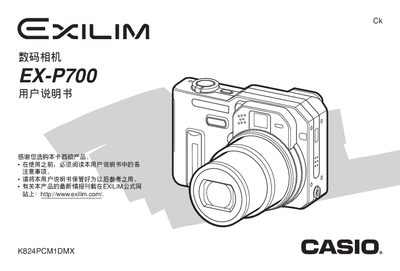
This manual covers everything needed to operate the Casio EX‑P700 digital camera, from basic safety notices and battery handling to detailed shooting modes, menu navigation, and file management. It includes step‑by‑step procedures for configuring language, clock, exposure settings, flash, and connectivity with computers.
Additional sections describe advanced features such as continuous shooting, auto‑bracketing, BESTSHOT mode, and image printing options. Appendices provide technical specifications for the battery, charger, and accessories, as well as regulatory information. This manual is written in Chinese.
| Battery nominal voltage | 3.7 V |
|---|---|
| Battery charging time (full) | ≈2 hours |
| Battery dimensions | 38.5 mm × 38.0 mm × 9.3 mm |
Only the dedicated NP‑40 lithium‑ion rechargeable battery may be used; other batteries are not compatible.
Use the menu option for language and clock settings to configure the desired language and time zone.
Connect the camera via the USB port and follow the on‑screen prompts to transfer images or install the supplied software.