
This document provides information about the 3229 Ck-9 manual, including the features and characteristics of the product.
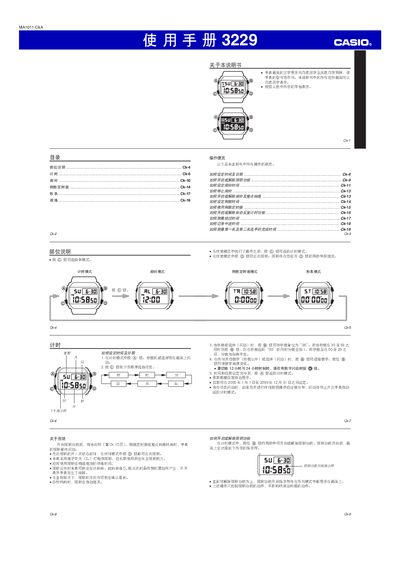
This manual provides step‑by‑step instructions for operating the Casio MA1011‑CKA digital watch. It covers how to set the time and date, switch between 12‑hour and 24‑hour formats, and use the various functions such as alarms, countdown timer, stopwatch, and illumination.
Additional sections describe the watch’s display options, battery type (CR2016) and expected life, as well as accuracy specifications and how to enable or disable automatic repeat functions for timers and alarms. This manual is written in Chinese.
| Display | White‑background black text or black‑background white text |
|---|---|
| Date Range | 2000‑01‑01 to 2099‑12‑31 |
| Time Format | 12‑hour or 24‑hour selectable |
| Battery | CR2016 button cell (≈2 years with normal use) |
| Accuracy | ±15 seconds per month |
When any digit is flashing, press the @@ button to toggle between 12‑hour and 24‑hour formats.
Hold the full (全) button for about two seconds in any mode; the illumination indicator will appear on the display.
The watch uses a CR2016 button cell, which can power the watch for roughly two years under normal use.