
This is a camera user manual, which introduces the use of the camera, precautions, etc.
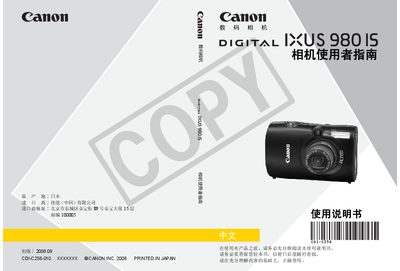
This manual explains how to set up and use the Canon IXUS9801S digital camera, covering basic operations such as inserting the battery and memory card, adjusting settings, and capturing photos and videos. It also includes detailed sections on advanced shooting modes, playback functions, and connecting the camera to a computer or printer.
Safety precautions, warranty information, and troubleshooting tips are provided to help users avoid damage and ensure proper handling of the camera and its accessories. Technical specifications for image resolution, battery, dimensions, and supported media are listed in the specifications section. This manual is written in Chinese.
| Continuous shooting speed | ≈ 1.3 images/second |
|---|---|
| Maximum still image resolution | 4416 × 3312 pixels |
| Video resolution (30 fps) | 640 × 480 pixels |
| Battery model | NB-5L rechargeable Li‑ion |
| Battery voltage | 3.7 V DC |
| Battery capacity | 1120 mAh |
| Supported storage media | SD, SDHC, MMC, MMCplus cards |
| LCD image capacity (screen on) | ≈ 280 images |
The LCD can display about 280 images when the screen is turned on.
The camera uses a rechargeable Li‑ion battery model NB‑5L.
It records video at 640 × 480 pixels at 30 frames per second.