
The imageRUNNER ADVANCE 8000PRO series is the black and white top model of imageRUNNER ADVANCE and provides an advanced output environment. It can directly access and output to the main system through a web browser-compatible large touch screen, which is a new form of collaboration. It further enhances the speed, flexibility and advancement of black and white table output in each department.
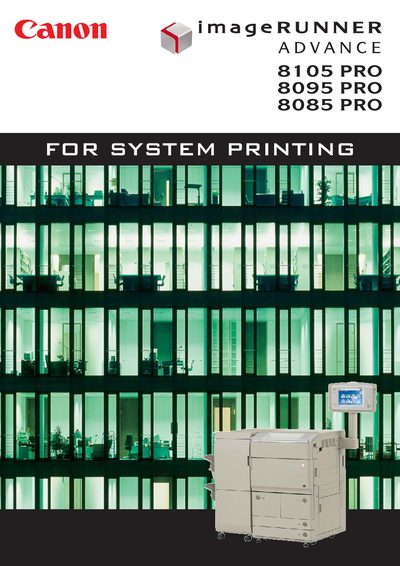
The 8000 PRO series (8105 PRO, 8095 PRO, 8085 PRO) delivers up to 105 ppm while fitting into limited office space. It supports a wide range of media, including custom‑size sheets, and features an air‑assist cassette for reliable feeding of thin to thick paper.
Energy‑saving design, a large‑capacity toner cartridge, and advanced security (data encryption and job‑blocking) make the printers suitable for high‑volume, secure office environments. This manual is written in Japanese.
| Continuous print speed (8105 PRO) | 105 ppm |
|---|---|
| Continuous print speed (8095 PRO) | 95 ppm |
| Continuous print speed (8085 PRO) | 85 ppm |
| Maximum paper capacity (64 g/m²) | 8,860 sheets |
| Supported non‑standard paper size range | 139.7 × 182 mm – 330.2 × 487.7 mm |
| Maximum power consumption | ≤ 744 W |
| Toner capacity (A4) | ≈ 70,000 pages |
The 8105 PRO prints at 105 pages per minute.
Yes, you can register custom sizes and feed non‑standard sheets from the cassette.
Yes, the Direct Print Kit enables PDF/XPS direct printing from a server.