
This document introduces a multi-functional office equipment with functions such as copying, printing, faxing, and scanning. The compact size of the device makes it suitable for various office scenarios. It can be easily connected to a network and supports multiple users for sharing. It helps to create a fast, beautiful, and comfortable document environment.
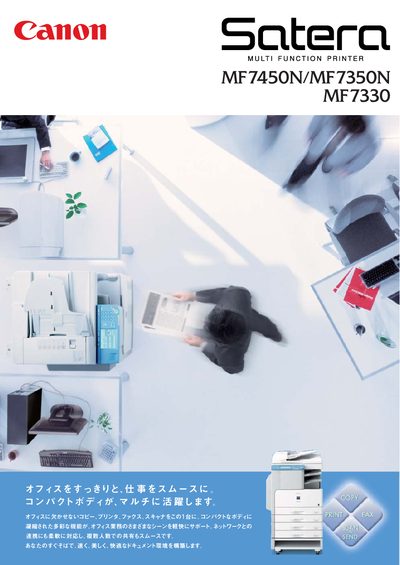
This manual introduces the Canon MF7450N, MF7350N and MF7330 all‑in‑one printer, covering copy, print, fax and scan functions. It explains how the compact body and network connectivity help streamline office workflows and improve productivity.
Key sections describe quick start procedures, detailed feature settings such as memory copy, auto‑rotate, duplex printing, CARPS2 print acceleration, network configuration (including IPv6), security options, and maintenance tasks. Service information, optional accessories, and technical specifications are also included. This manual is written in Japanese.
| First copy time | 6.9 seconds or less |
|---|---|
| Copy speed | 25 pages per minute (A4) |
| Print speed | 18 pages per minute (A4) |
| Print resolution | Up to 1200 dpi |
| Memory | 256 MB |
| Power consumption (standby) | 1.45 W |
| Dimensions (W×D×H) | 622 mm × 676 mm × 672 mm |
The first copy appears in 6.9 seconds or less.
The device can copy up to 25 pages per minute on A4 size.
Yes, duplex printing is available with the optional duplex unit.