
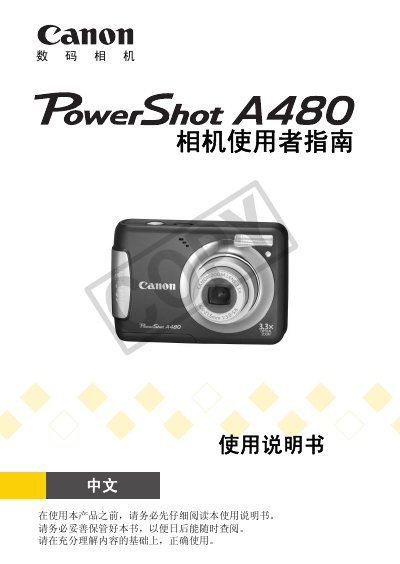
This manual provides comprehensive instructions for the Canon PowerShot A480 digital camera. It begins with package contents, safety precautions, and basic setup such as inserting batteries and memory cards, setting the date and time, and understanding the indicator lights and screen displays.
The guide then details shooting functions including automatic mode, scene modes, flash usage, self-timer, macro and super macro shooting, ISO sensitivity, and white balance. Playback features cover single-image viewing, slide show, magnification, image rotation, red-eye correction, and DPOF print settings. Additional chapters explain movie recording, printing, transferring images to a computer, customizing camera settings, and troubleshooting. This manual is written in Chinese.
| Power Source | Two AA (size 5) alkaline batteries |
|---|
The camera uses two AA (size 5) alkaline batteries.
Use the Format function in the camera's menu to format the memory card.
Warranty is valid in the country of purchase; contact the Canon service center listed in the support list.