
This manual describes how to connect the Canon MG7770 printer to a TV and print various information from the TV, including data broadcast information, network service information, and images stored on a storage card connected to the TV.
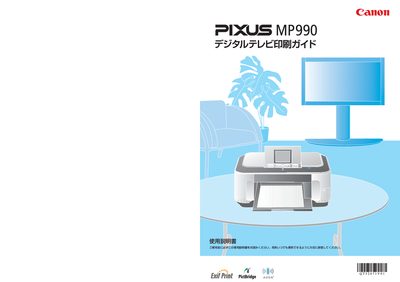
This manual provides step‑by‑step instructions for preparing the PIXUS MP990, configuring network settings, and using a digital TV to print data‑broadcast information, network‑service content, and memory‑card photos. It also covers printer‑menu navigation, paper handling, and ink‑tank replacement.
Troubleshooting sections address common issues such as the printer not being detected by the TV, menu display problems, and printing errors. Contact information for Canon support and recycling instructions are included at the end of the guide. This manual is written in Japanese.
Using non‑Canon ink may reduce print quality and can cause head damage; Canon recommends using only genuine Canon ink tanks.