
This is the user manual of a Canon camera. It mainly introduces the camera's shooting, playback, editing, printing, transmission and other functions.
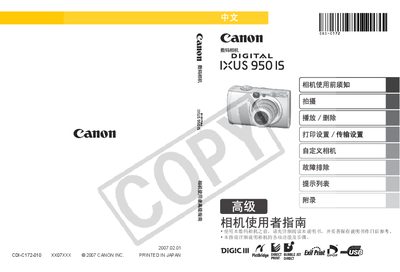
This manual provides step‑by‑step instructions for operating the Canon IXUS 950 IS digital camera, covering basic and advanced shooting modes, menu navigation, and image playback. It also includes safety guidelines, battery handling, and warranty information.
Additional sections describe video output setup, language configuration, and detailed specifications such as sensor size, lens range, and LCD display characteristics, helping users get the most out of the camera. This manual is written in Chinese.
| Effective Pixels | ≈8 MP |
|---|---|
| Image Sensor | 1/2.5‑inch CCD |
| Maximum Aperture | f/2.8‑f/5.5 |
| Digital Zoom | ≈4× (up to 16× with optical zoom) |
| LCD Screen | 2.5‑inch TFT, ~230 000 pixels |
| Autofocus System | 9‑point TTL AF, face‑priority |
Refer to the basic guide section (page 9) for instructions on changing language settings.
Only use Canon‑recommended batteries and accessories; using non‑Canon batteries may cause damage or void the warranty.
The camera supports non‑Canon PictBridge‑compatible printers, but Canon recommends using original accessories for best performance.
Set the camera’s video output format to match the region’s standard before connecting to the TV (see page 104).