
This document provides an introduction to the basics of using STEP 7, including SIMATIC Manager, symbol programming, program creation, creation of programs with function blocks and data blocks, configuration of central racks, program download and debugging, function programming, shared data block programming, multiple backgrounds programming, distributed I/O configuration, etc.
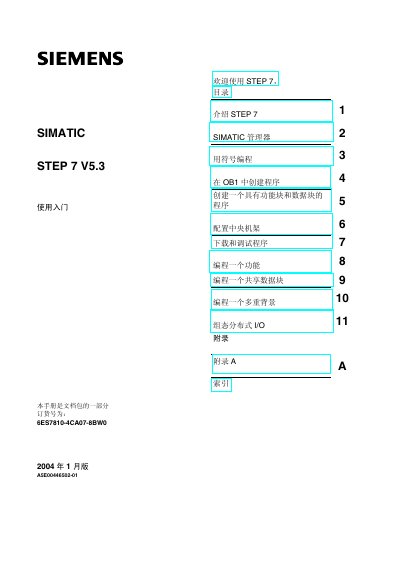
This guide introduces the STEP 7 V5.3 environment, covering the SIMATIC Manager, hardware‑software integration, and basic programming concepts such as ladder, function block and statement list languages. It walks the user through creating a project, configuring the central rack, and downloading programs to a PLC.
Later chapters show how to program functions, shared data blocks, multi‑instance blocks, and configure distributed I/O. An appendix provides example projects and an index for quick reference. This manual is written in Chinese.
| Order number | 6ES7810-4CA07-8BW0 |
|---|---|
| Release date | January 2004 |
| Software version | V5.3 |
You need a Siemens programming device or PC, the STEP 7 software package with a license key, and a SIMATIC S7‑300 or S7‑400 PLC.
It is located under Simatic > Documentation in the Windows Start menu.
The order number is 6ES7810-4CA07-8BW0.